Keeping recipes in Soot
Written by Rob, who makes Soot.
I keep my recipes in Soot, one note for each. When I find a recipe I want to cook, I give the link to my AI assistant and ask it to save a copy to my notes. Asking an assistant keeps the format consistent, whichever site the recipe came from.
You can follow along with this tomato and chorizo sauce. Save it to your notes, then compare your copy with the original.
Soot doesn’t fetch or format recipes itself. The assistant does that, on the Mac, and what it leaves behind is an ordinary note in your library. If you don’t use an assistant, there’s a section below on adding a recipe yourself.
One note for each recipe
My recipes are in a Recipes folder inside Food & Drink. If you don’t have a folder for yours yet, make one with File ▸ New Folder… on the Mac, or the New Folder button at the top right of the Folders screen on the iPhone and iPad.
Each recipe is a note with the dish as its title. Here’s the sauce after it was saved.
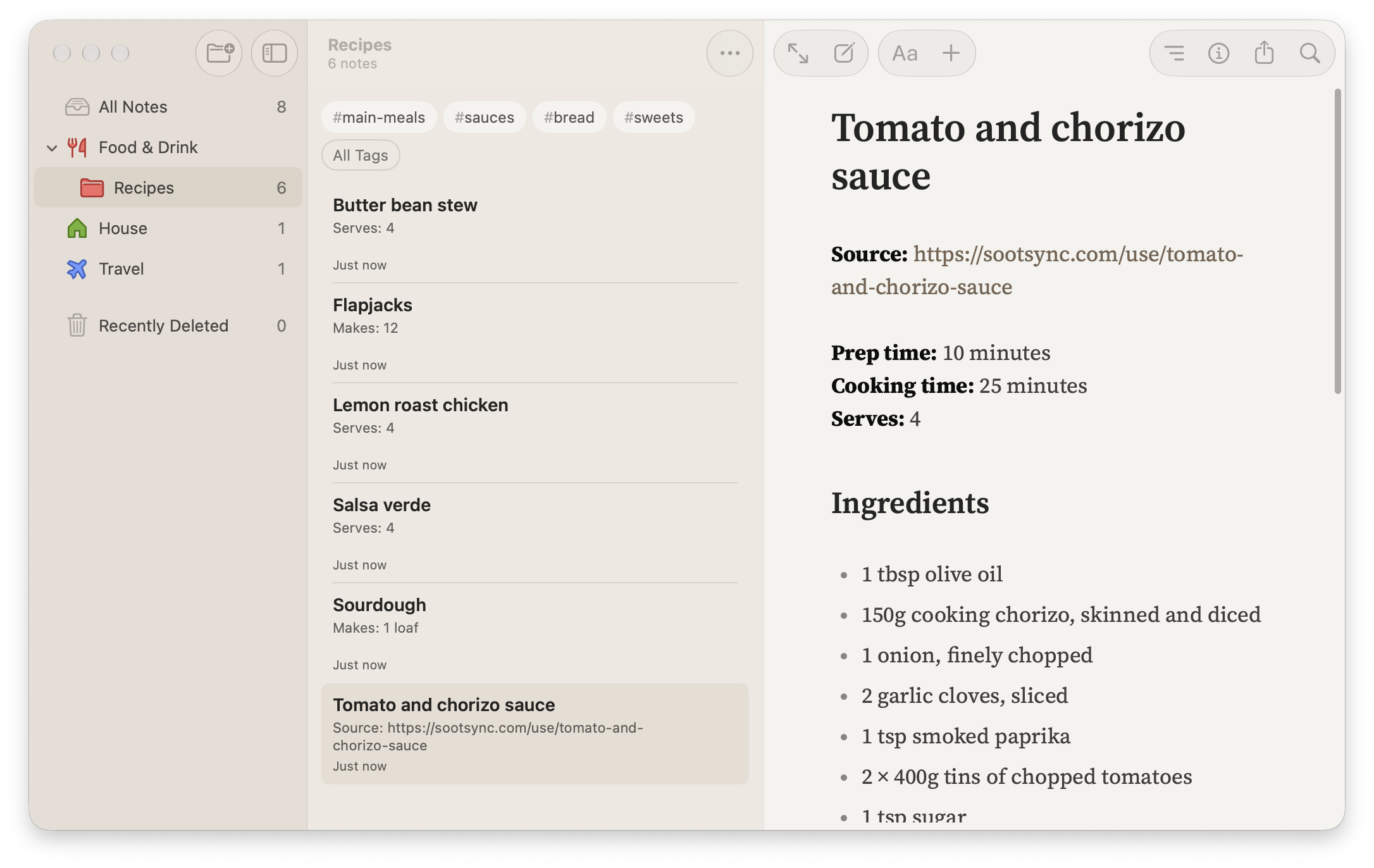
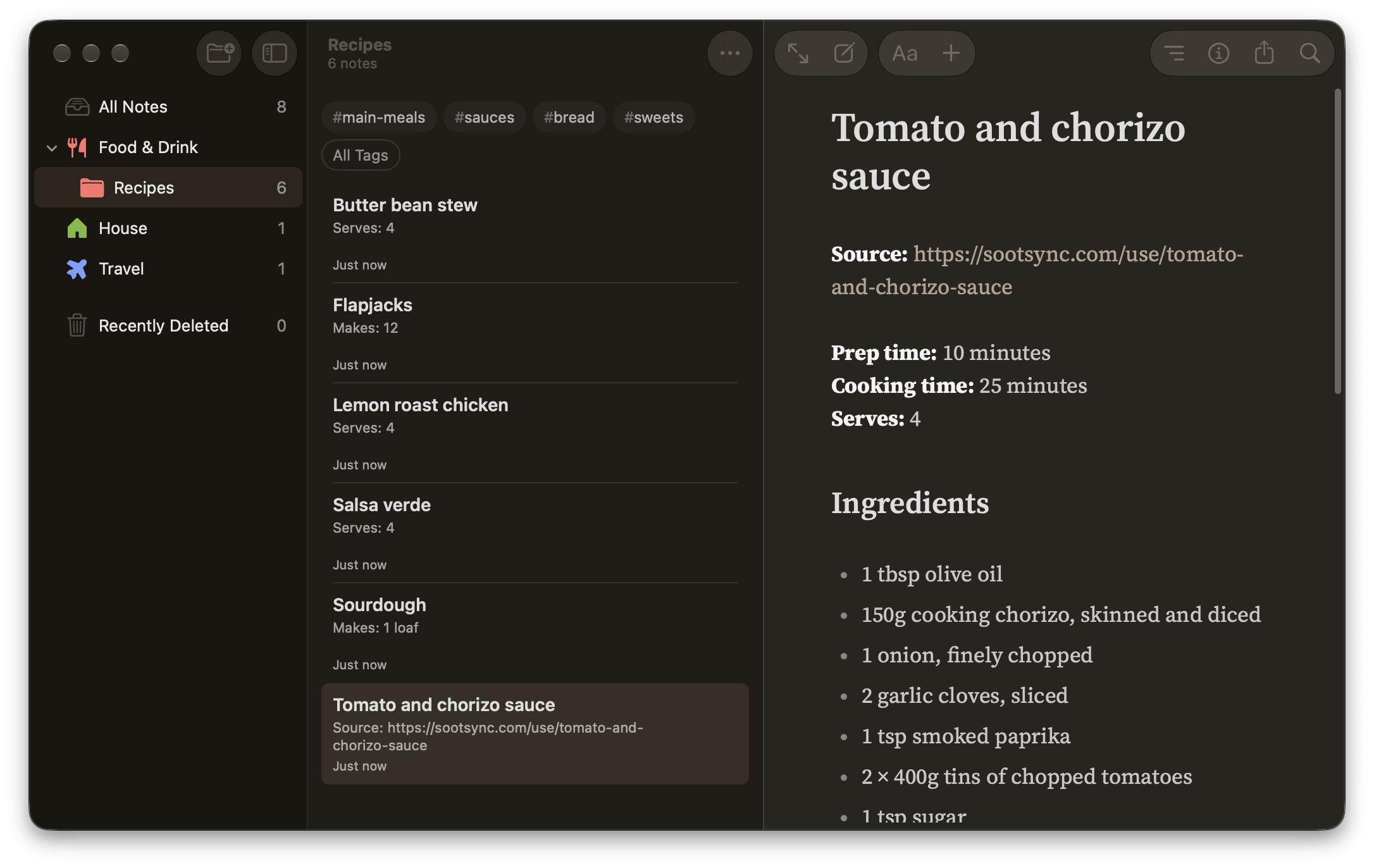
The link to the original is at the top. Under it are the prep time, the cooking time and how many it serves, and then the quantities and steps under Ingredients and Method.
Each recipe also has a tag for its type. The chips above the list show the tags used in the folder you’re looking at.
Set up your assistant on the Mac
This part is done on the Mac. Soot has a skill, a file of instructions that teaches an assistant how to work with your notes, and it isn’t available on the iPhone or iPad.
Open Settings ▸ Assistants. The Soot skill card at the top has three steps:
- Click Export… and save the file. It’s called Soot skill.md.
- Drag that file into an assistant that can work with files on your Mac, such as the Claude app, Claude Code or Codex, and ask it to install the skill.
- Let the assistant walk you through giving it lasting access to your notes.
Under the card is a box called Instructions for assistants. It’s where you tell assistants how to write your notes and which folders they go in. Add a line for recipes:
In Instructions for assistants
Save recipes in Food & Drink ▸ Recipes. Put the source link at the top. Include prep time, cooking time and servings when the source gives them. Keep the quantities and steps as written, under Ingredients and Method. Include the recipe photo if available and use an existing type tag where one fits.
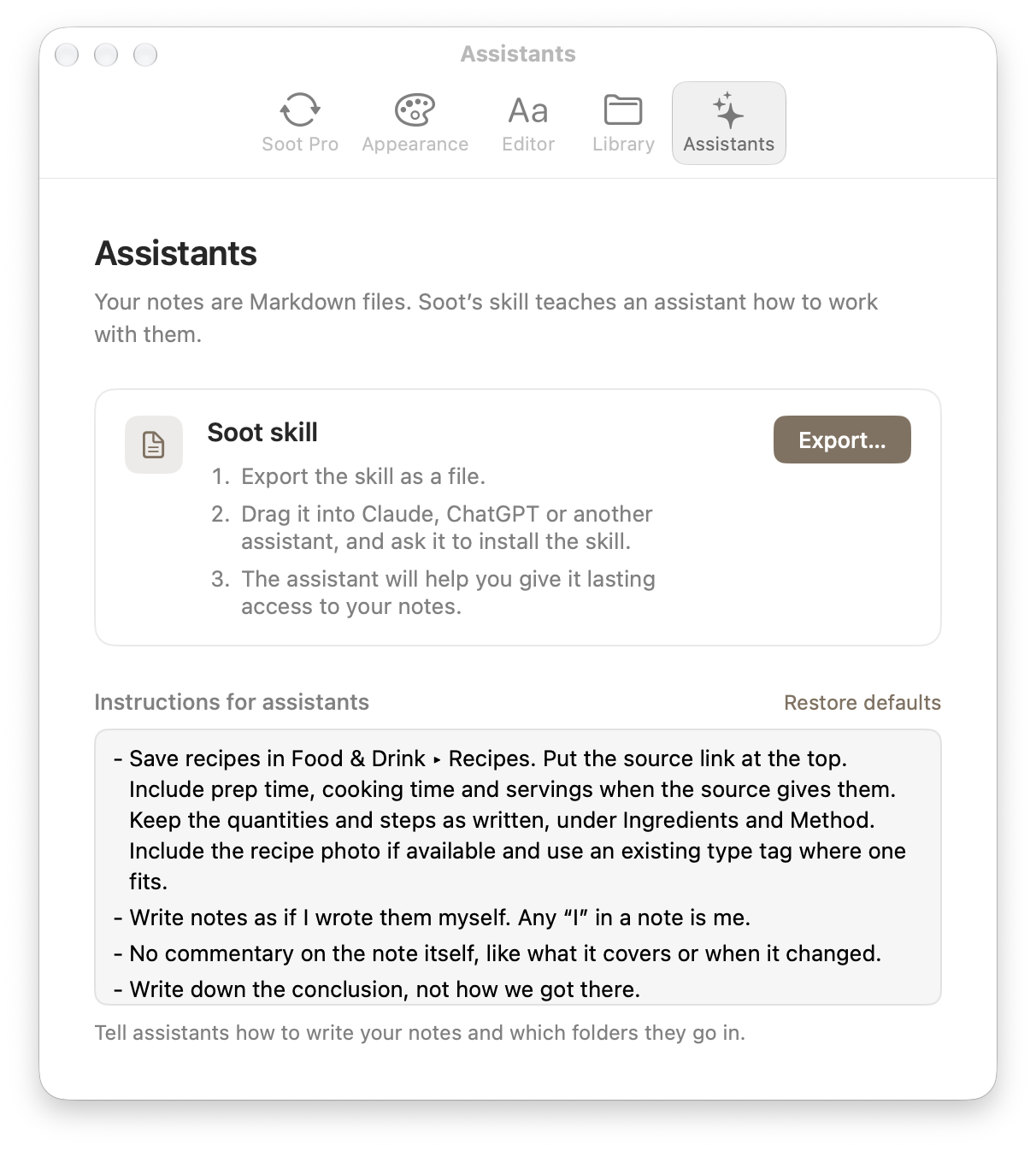
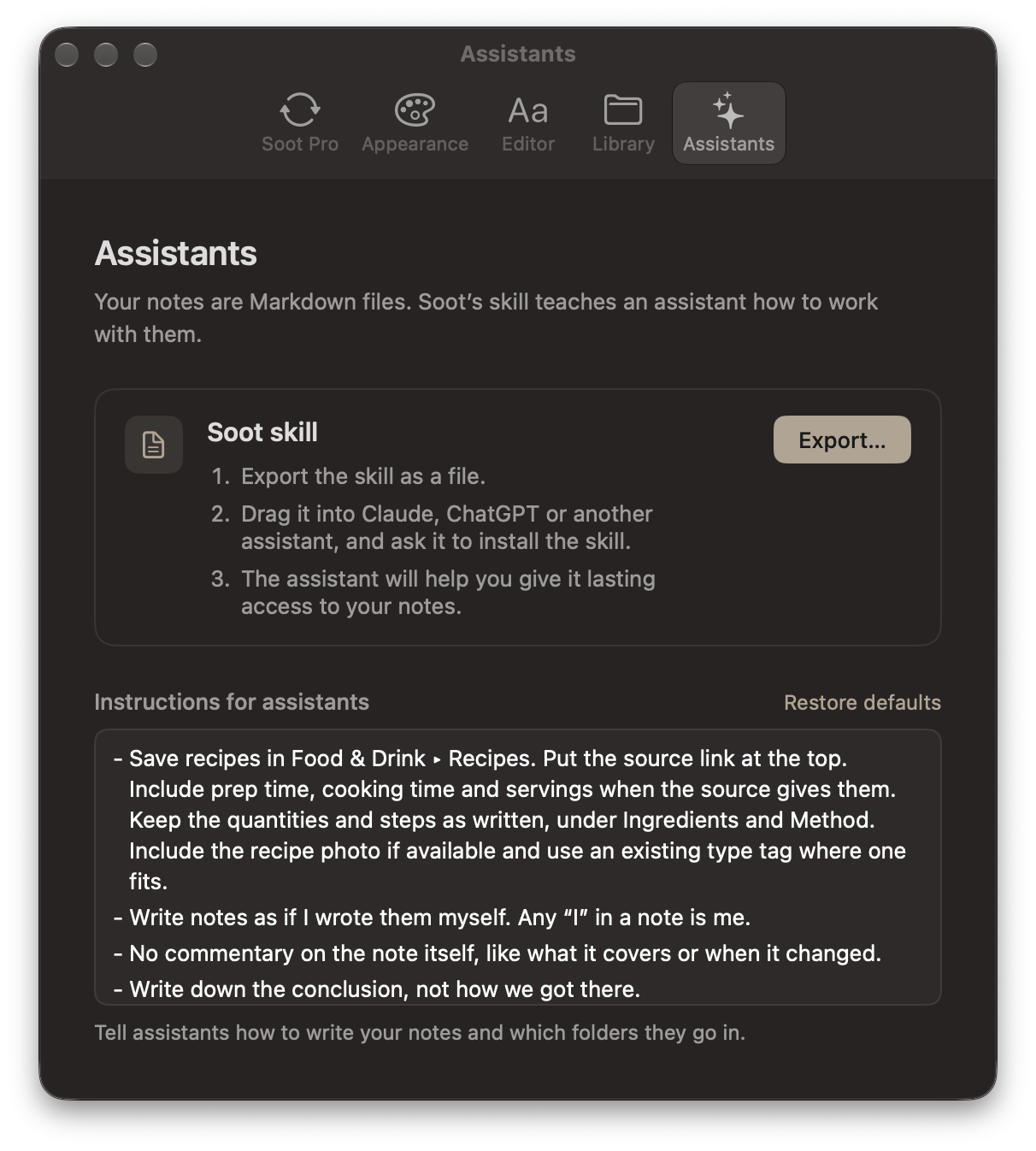
Change the folder’s name to match your own. The skill tells the assistant to follow these instructions, and you can change them later without exporting the skill again.
Your notes can work with AI assistants explains what the skill covers and who sees your notes when an assistant reads them.
Save a recipe and check it
Now give the assistant a recipe. In a chat with it on the Mac, paste the link to the tomato and chorizo sauce and say something like “Save this recipe to my notes. For this recipe, use #sauces.”
The assistant reads the page and writes a note in Recipes, set out the way your line asks and tagged #sauces. The page has no photo, so the note has none either.
Then check what it wrote. An assistant can misread a page, and in a recipe a wrong number matters. Open the note beside the original and compare a quantity and a time. The page asks for 150g of cooking chorizo and has the sauce simmer for 15 minutes. The note should say the same.
Adding a recipe yourself
You don’t need an assistant to keep recipes this way. Make a note in Recipes, give it the dish’s name as a heading, and get the words in one of two ways.
From a web page, select the recipe, copy it and paste it into the note. Its headings and lists keep their formatting, and any pictures in the selection are saved with the note.
From a cookbook, put the caret in the note on your iPhone or iPad and choose Scan Text from the + menu. Point the camera at the page, and the words it reads are typed into the note.
Then do the two things the assistant would have done. Put the source at the top: the link, or for a cookbook, the book’s title and the page number. And give the recipe its type: open the note’s details and add the tag in the Tags field.
Finding something to cook
There are two ways to find a recipe, and they answer different questions.
When you know what kind of thing you want, use the tags. Open Recipes and choose #sauces, and the list shows only the sauces: Salsa verde and Tomato and chorizo sauce.
When you’ve got chorizo to use up, search for it. Clear the #sauces filter first, so you’re searching the whole of Recipes. A search begins in the folder that’s open, and the top of the list counts the matching notes there and in All Notes. Search Recipes for chorizo and it reads Recipes 2 · All Notes 2.
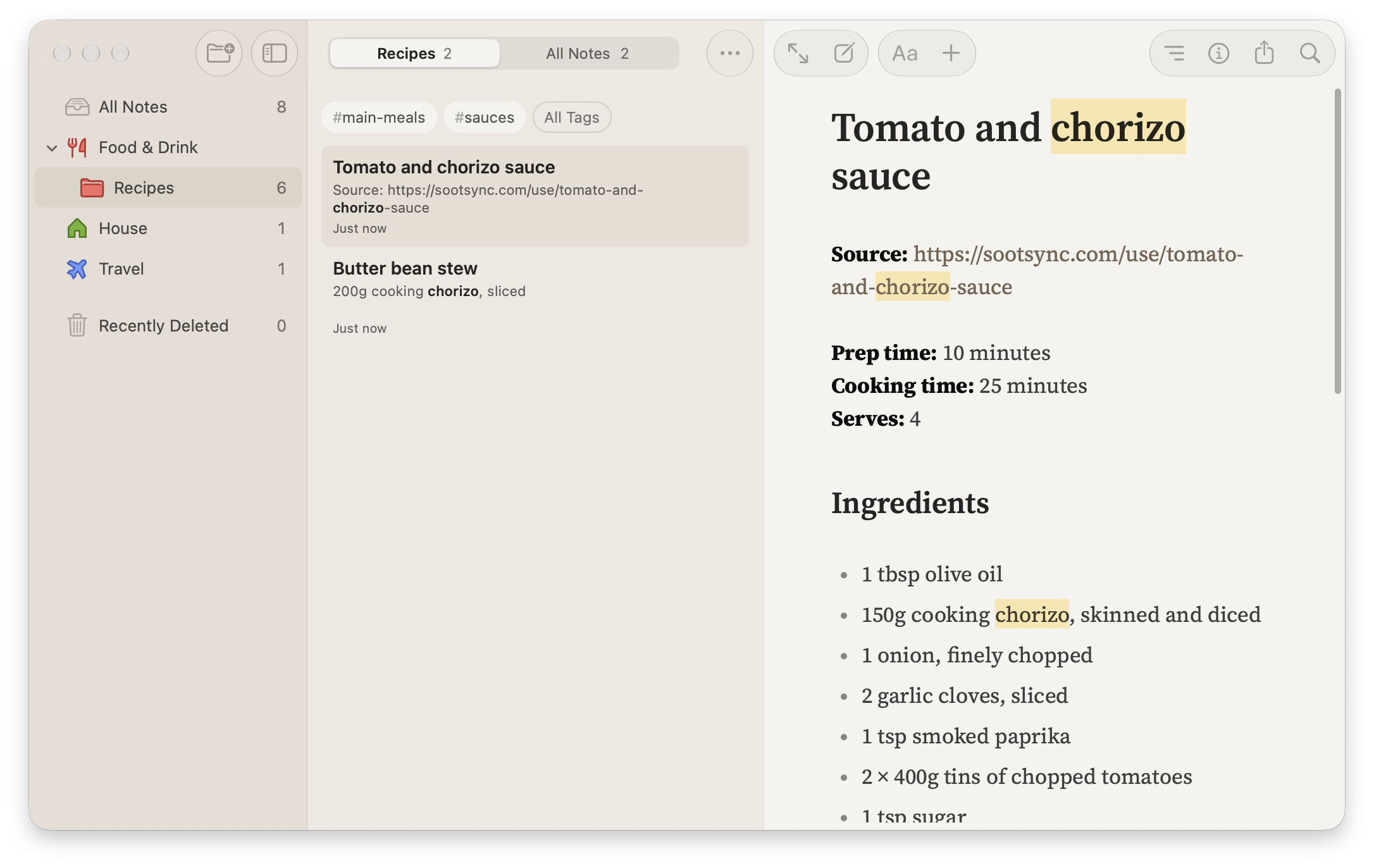
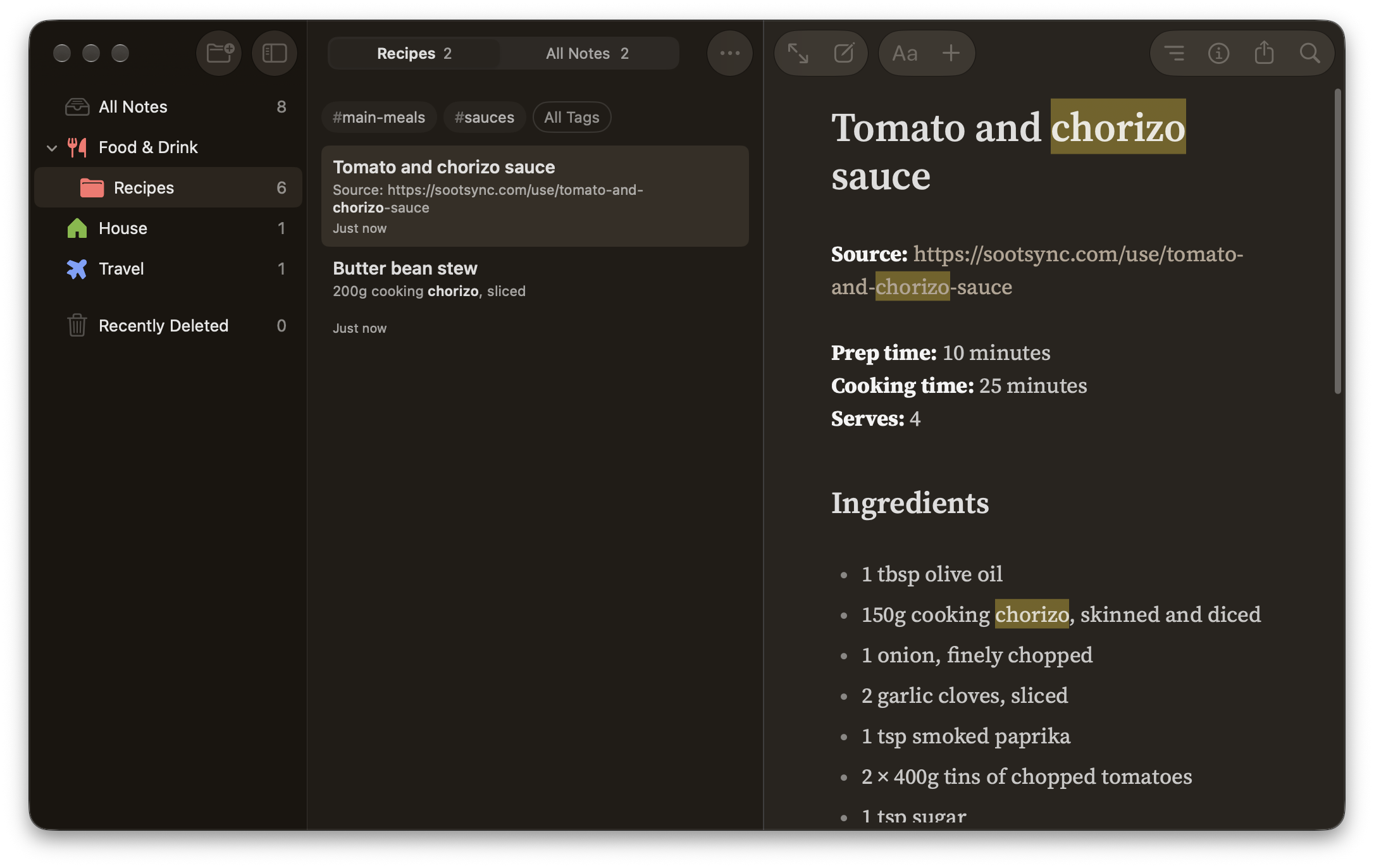
The two notes are Tomato and chorizo sauce and Butter bean stew. Search reads the text of a note as well as its title, so the stew turns up for the chorizo in its ingredients. Its line in the list shows where: 200g cooking chorizo, sliced.
In the kitchen
I save recipes on my Mac and cook from my iPhone. With Soot Pro sync, I can open the same note beside the hob.
Save the next recipe you cook
Next time you find a recipe you want to make, save it as a note with its source at the top and a tag for its type.