Keeping a personal wiki in Soot
Written by Rob, who makes Soot.
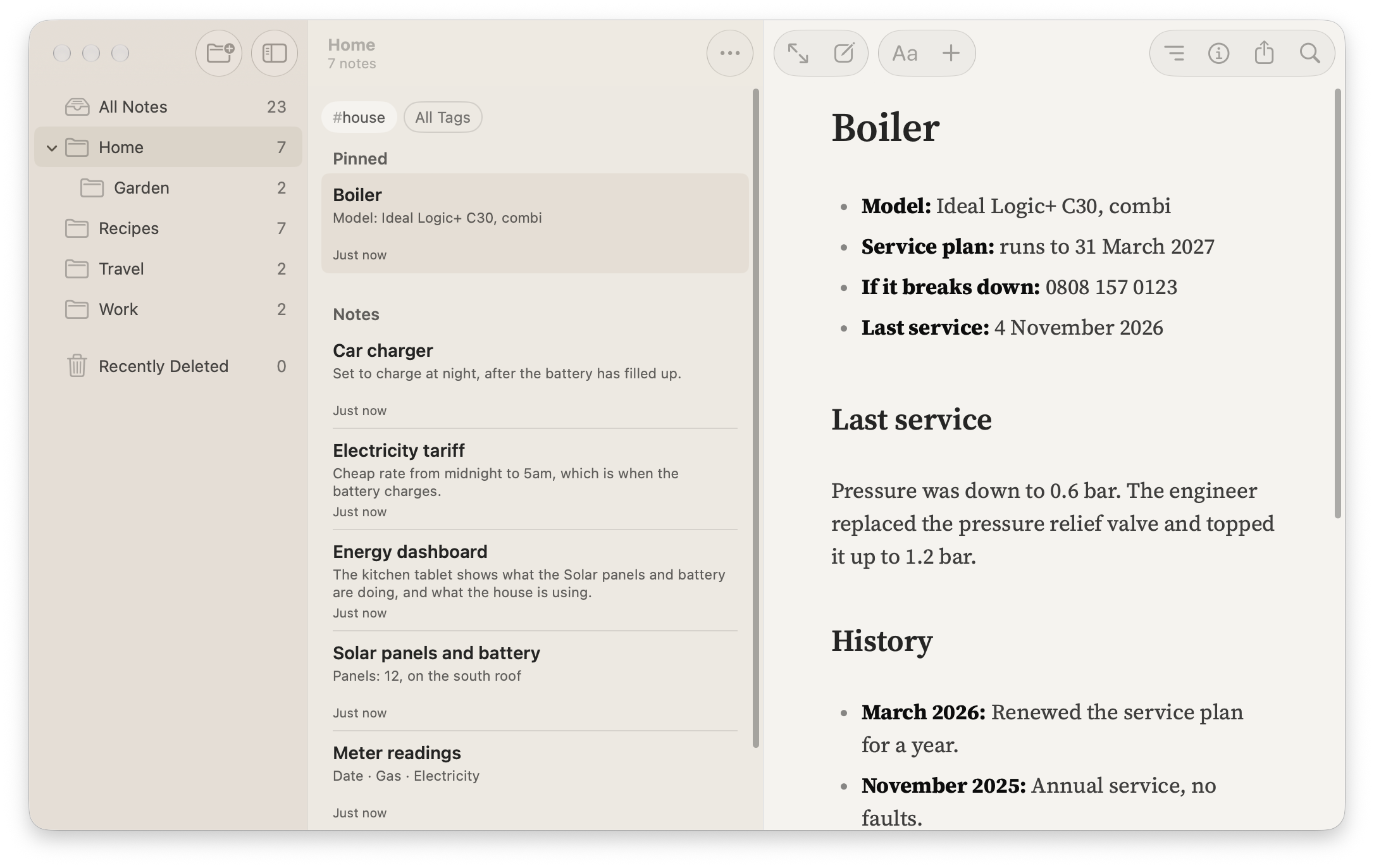
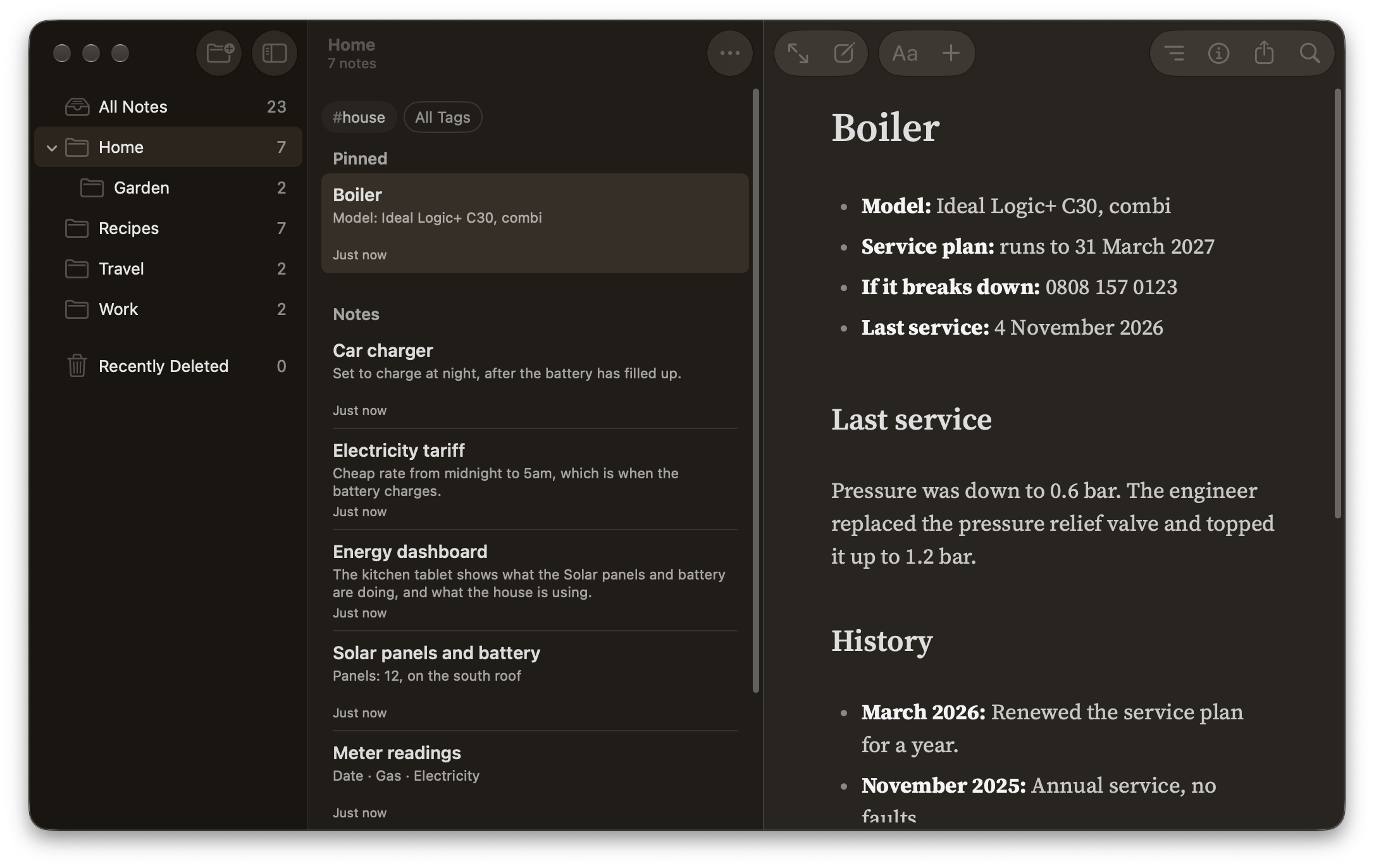
My notes are a personal wiki. Take my boiler note. It has the model number and a record of the last service. It also tells me when my service plan runs out and who to ring if the boiler breaks down. When I renew the plan, I update the same note.
I keep notes like this for the house, the car, my servers and the things I make. Each one holds what I’d want to know the next time I come back to it.
What goes at the top
Most of my notes about something I own or run start with a quick reference: the facts I come back for, such as a model number, an address or a renewal date. Under that go any warnings that still matter, then the detail, under headings named for what I’d be looking for. Older things move to a History section at the end, each with a date.
Folders by subject
I make folders as I need them, for subjects like House, Work and Photography. When I’m thinking of buying a camera, the research goes in Photography. That way it’s still with my other camera notes after I’ve bought one.
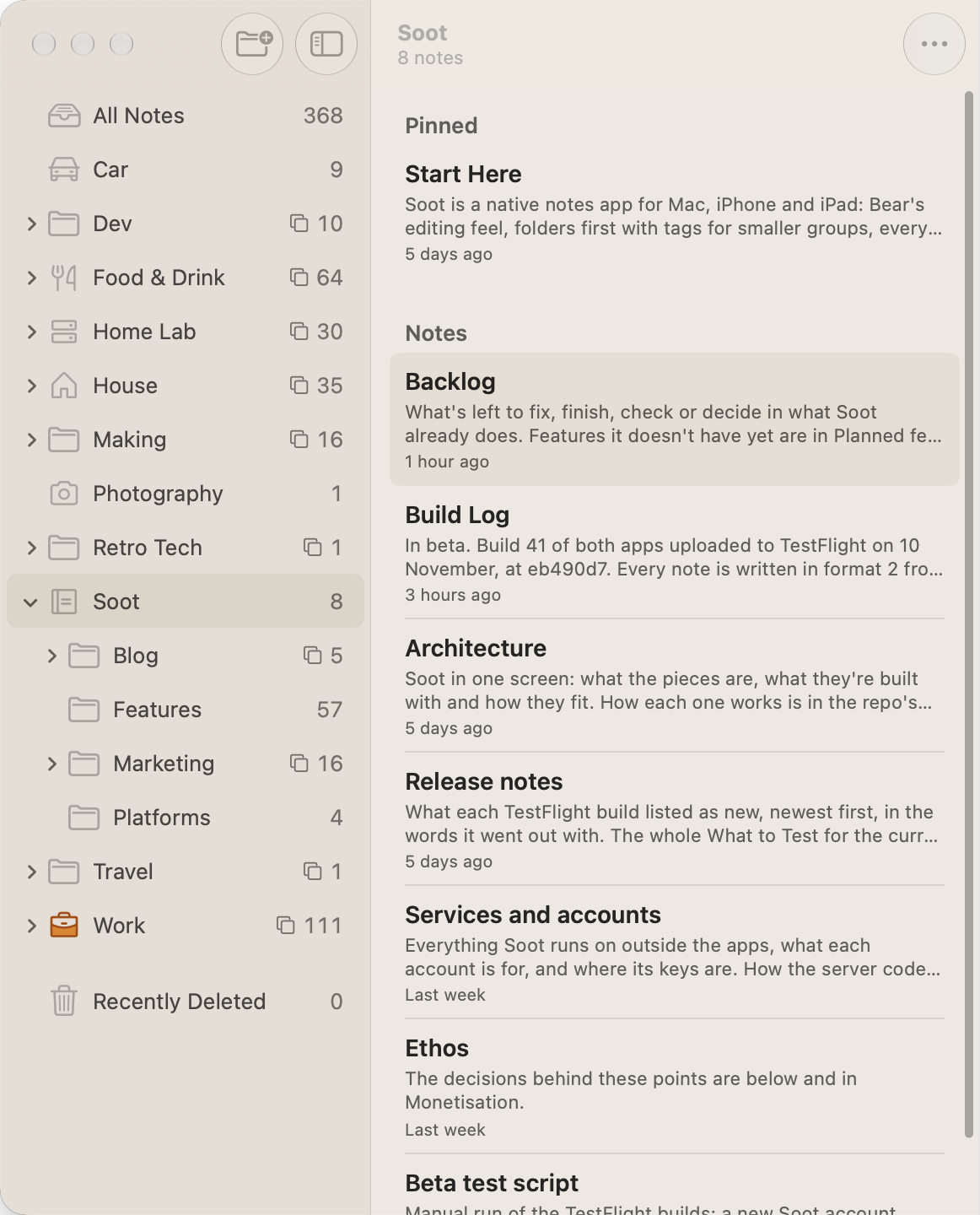
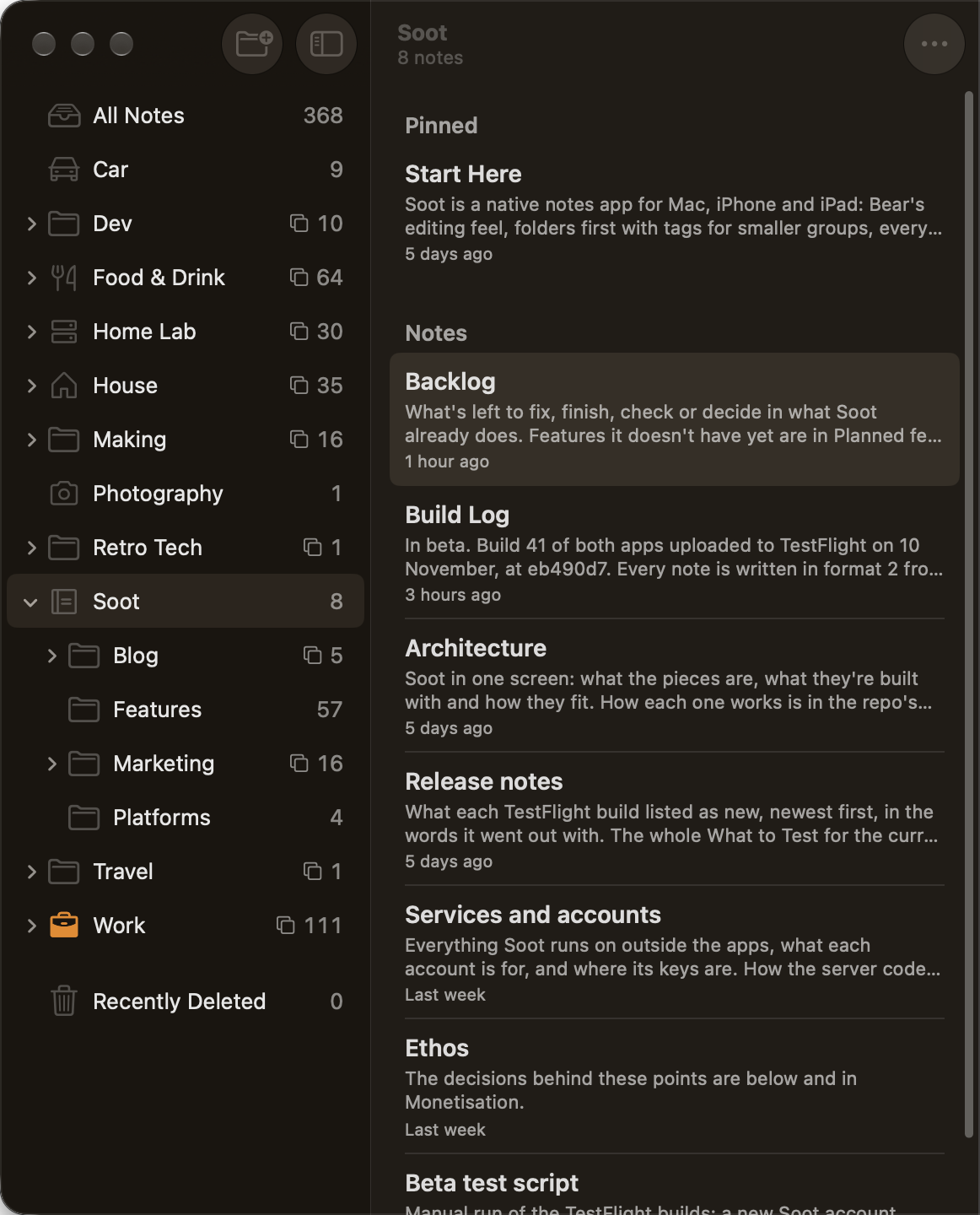
The projects I’m working on also get a folder at the top level, alongside House, Work and the rest, so they’re one click away. Soot’s folder holds dozens of notes, with folders inside it for features, marketing and the blog. When a project’s done, I move its folder out of the way, into the subject it belongs to.
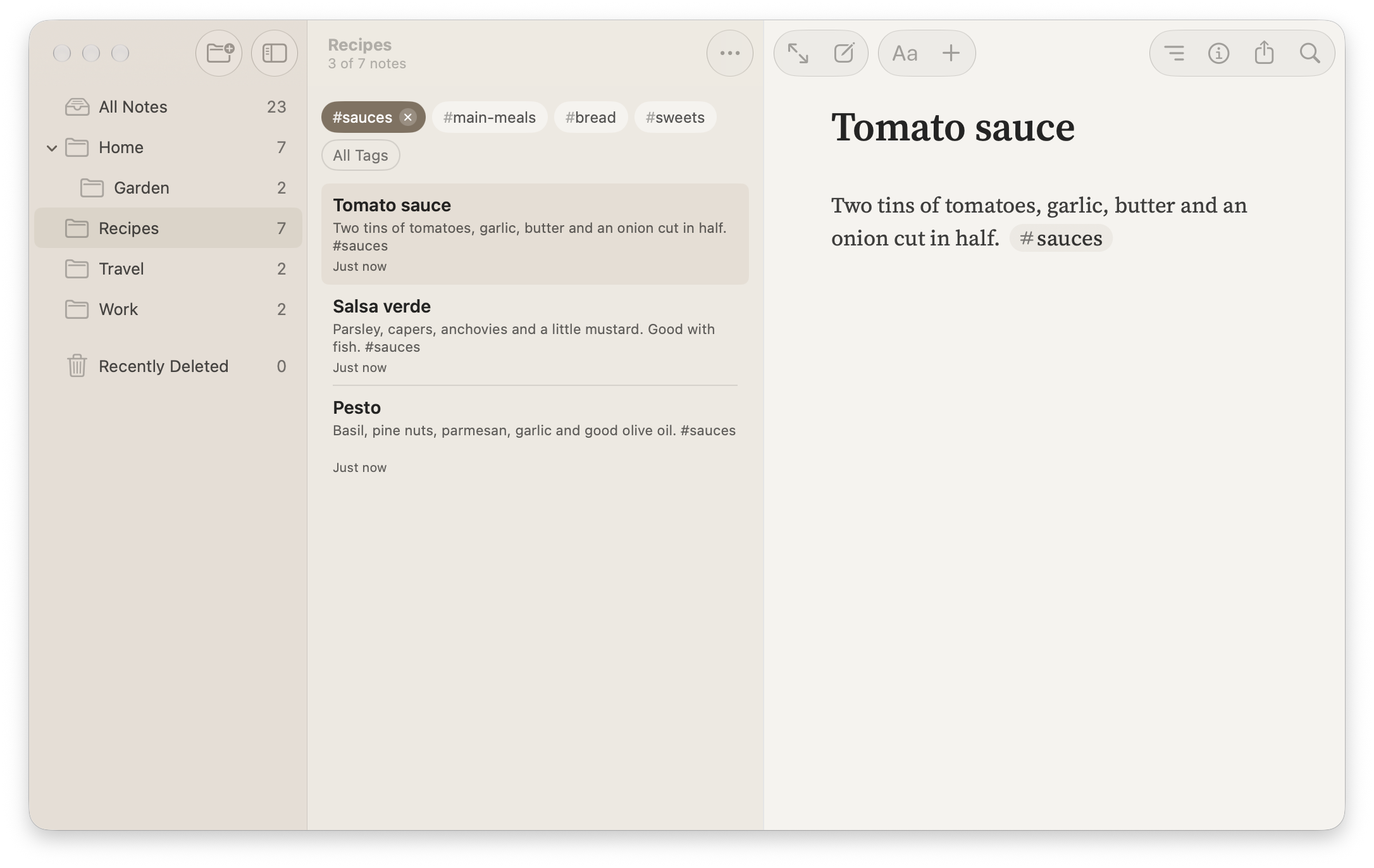
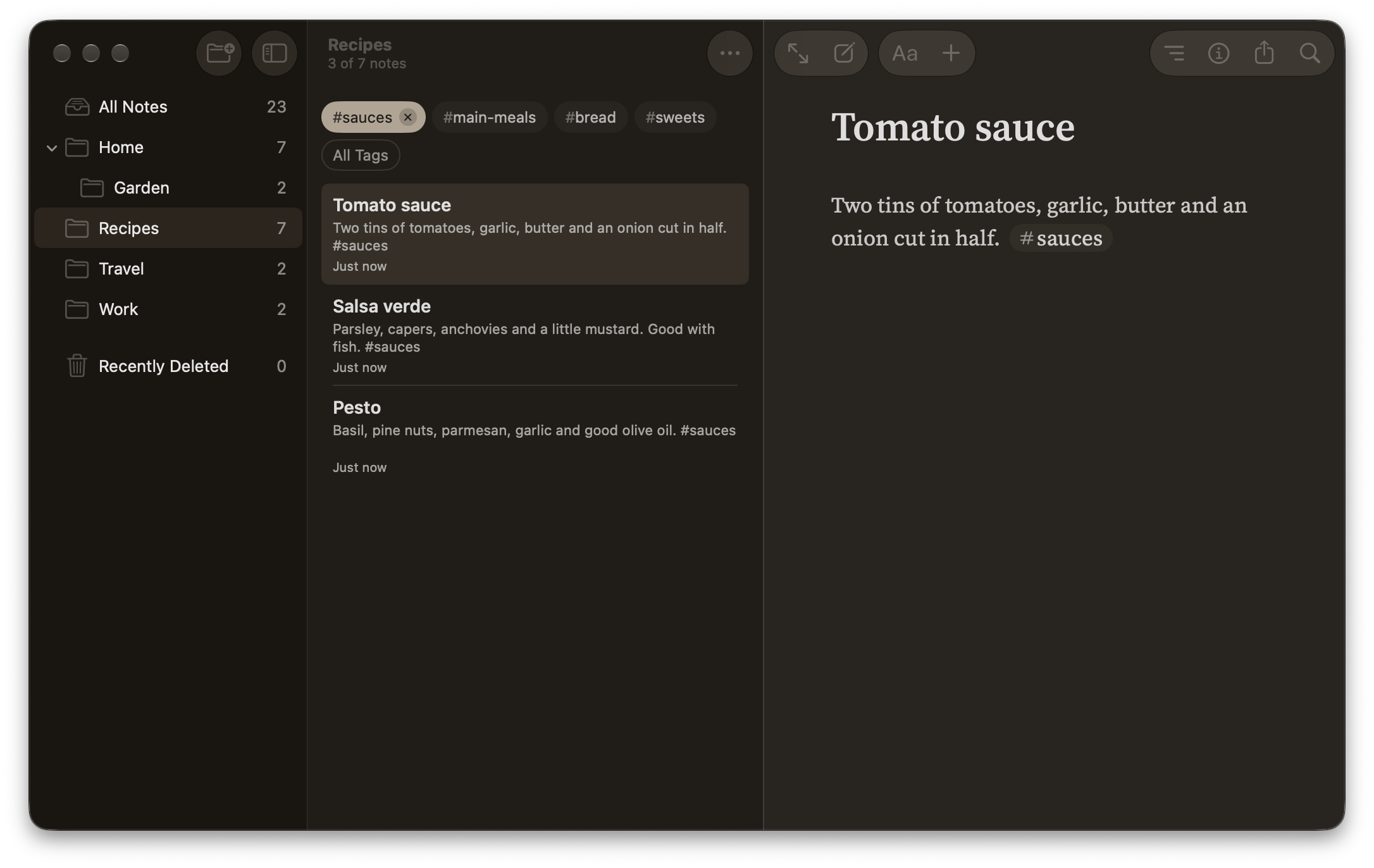
Inside my Recipes folder, I use tags such as #sauces and #main-meals. Each folder in Soot shows only its own tags, so my recipe tags never get mixed up with anything else.
Linking things together
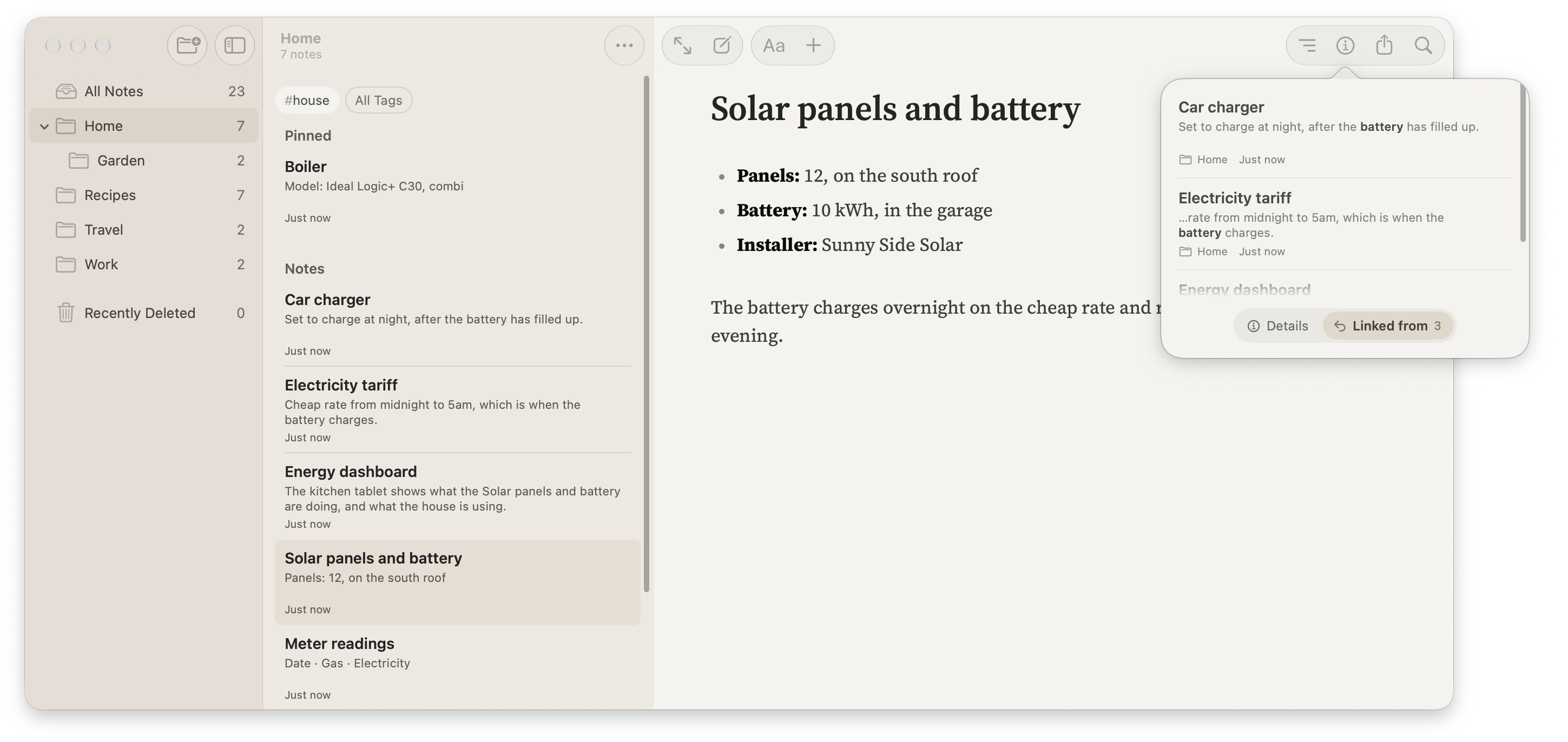
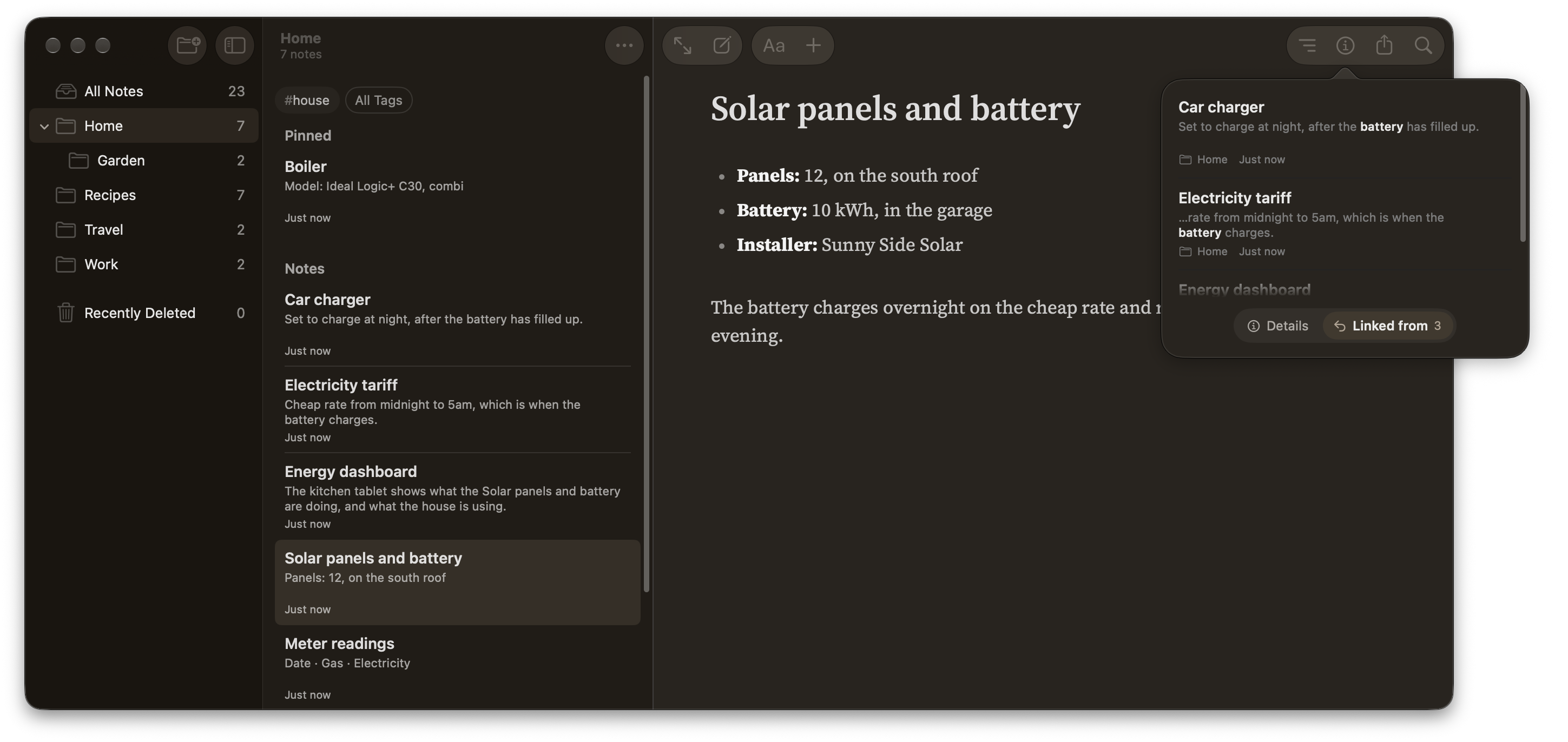
My note on the energy dashboard in the kitchen links to the one about the solar panels and battery. When I open the solar note, I can see which notes link to it and read the sentence where each link appears.
A link can go to another note or straight to a heading in one. On the Mac, ⌘K or typing [[ opens a list of notes to link to. On the iPhone and iPad, Link… in the + menu does the same.
Finding it again
Search looks through every note, and through the words inside PDFs my notes link to, so a manual saved in House ▸ Manuals turns up when I search for something it mentions. In a long note, the outline jumps straight to a heading.
On macOS 27 and iOS 27, my notes are in Spotlight too, and Siri can answer a question from what they say.
An AI assistant can use it too
AI assistants have supercharged my note-taking. As every note is an ordinary Markdown file in a folder on my Mac, an assistant can read and update it.
I can say something like “The engineer’s fixed the boiler, by the way. He replaced a perished pipe.” The assistant adds the repair to my boiler note and leaves the rest as it was.
Soot comes with a skill that tells the assistant how to work with my notes. My instructions in Settings ▸ Assistants point it to a note where I’ve written down the filing conventions on this page. Some folders also have a Start Here note for the assistant, explaining what goes where. When I change how I file things, I can edit the relevant note myself or ask the assistant to update it for me.
Your notes can work with AI assistants says more about how it works and who sees what.
Start with one note
Pick something you keep having to look up. If it’s your bike’s tyre pressures, a note called Bike with the front and rear pressures at the top is enough. Next time you replace the tyres, you know where to put the new figures.