Keeping a commonplace book in Soot
Written by Rob, who makes Soot.
A commonplace book is a notebook for the things you read and want to keep: quotes, proverbs, poems, anything you found interesting or useful. Where a diary runs by date, a commonplace book is arranged by subject. People have kept them since antiquity, and in 1685 John Locke wrote a treatise on how to arrange one.
Copying a passage out is the easy part. What matters is getting it back, perhaps years later, when all you remember is a few words of it.
I keep my own notes as a personal wiki. Here’s how I’d set up a commonplace book in Soot.
A note for each subject
Start with a folder for the book. On the Mac, File ▸ New Folder… makes one. On the iPhone and iPad, it’s the New Folder button at the top right of the Folders screen. Call it Commonplace.
Inside the folder, give each subject its own note: Simplicity, Work, Solitude, Reading. A note’s first heading is its title in Soot, so a note that starts with the heading Simplicity appears as Simplicity in the list.
Every passage on a subject goes in that subject’s note, whichever book it came from. That’s the reason to file by subject. Open Simplicity and you can read what different writers have said about the same idea, one after another.
Sort the folder by title and the subjects run in alphabetical order: choose Title from the Sort Notes menu in the Mac’s toolbar, or from Sort By on the iPhone and iPad.
A passage and its source
Say you’re reading Walden and this sentence stops you:
The cost of a thing is the amount of what I will call life which is required to be exchanged for it, immediately or in the long run.
Open Simplicity and type the passage, with its source on the line below it: Henry David Thoreau, Walden, chapter 1, “Economy”. A chapter name is useful if you come back to the book in an edition with different page numbers.
Then put the caret in the passage and make it a quote. On the Mac, that’s Format ▸ Quote (⇧⌘'), or the Quote tile under Aa in the note’s toolbar. On the iPhone and iPad, it’s the Quote tile in the Aa panel. Only the passage becomes a quote, and the source stays an ordinary line under it.
You don’t always have to type the passage yourself. On the iPhone and iPad, Scan Text in the + menu opens the camera, reads the words on a printed page and types them into the note where the caret is. A selection copied from a web page pastes in with its links and formatting.
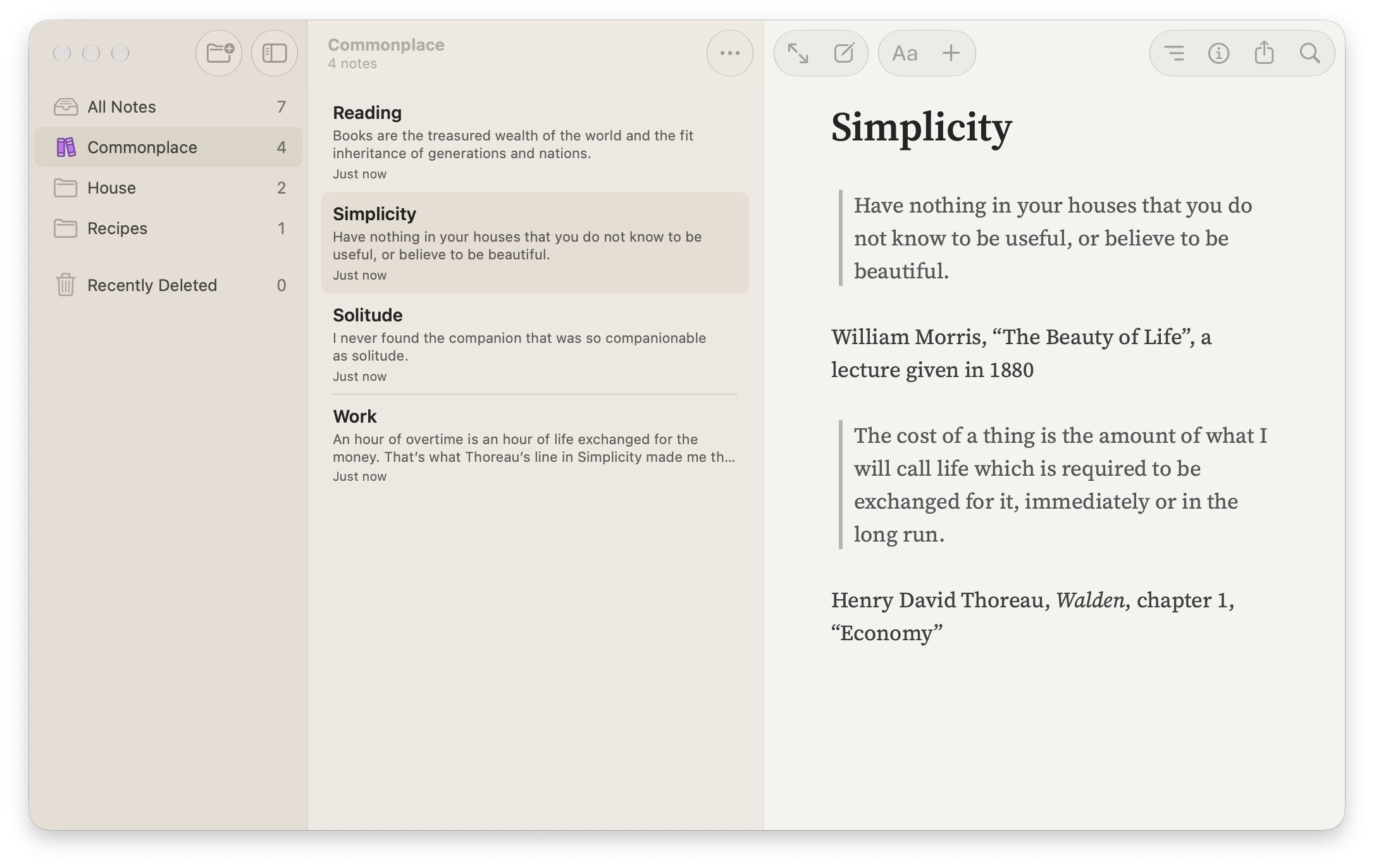
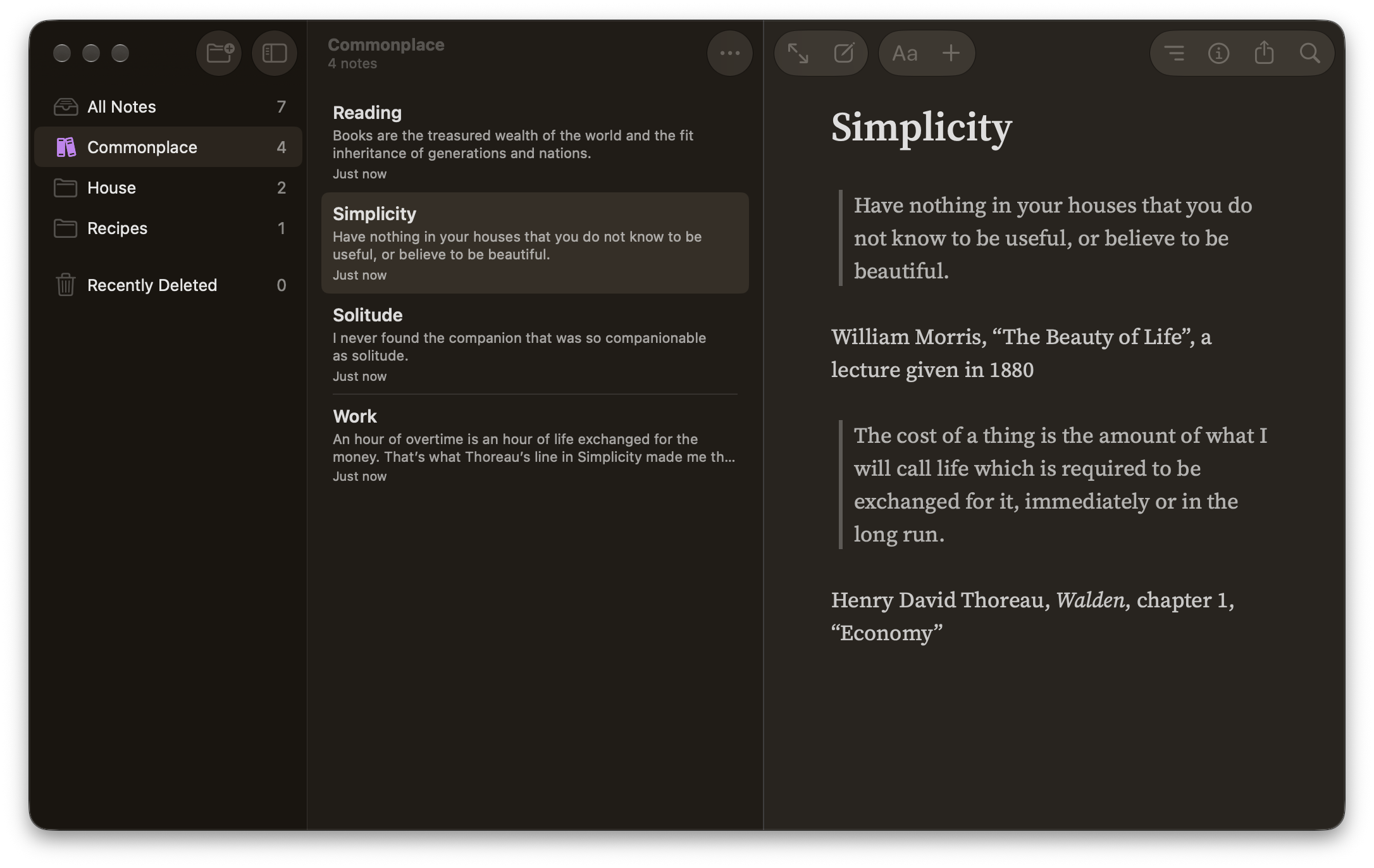
In the screenshot, Simplicity already had a line from a lecture William Morris gave in 1880. Thoreau’s passage goes under it, so the note now has two writers on the one subject.
When a passage belongs to two subjects
Thoreau’s sentence is about simplicity, and it’s also about work. Rather than copy the passage twice, leave it in Simplicity and write a line in Work saying why it belongs there too.
In the Work note
An hour of overtime is an hour of life exchanged for the money. That’s what Thoreau’s line in Simplicity made me think of.
Link the word Simplicity to the note of that name: select the word, press ⌘K on the Mac or choose Link… from the + menu on the iPhone or iPad, then type Simplicity and choose the note. The link opens the Simplicity note, where the passage is.
You can get from Simplicity to Work as well. Open Simplicity’s details and Linked from lists Work, with the sentence the link appears in.
Finding a passage from a few words
If you remember the subject, open its note. Search is for when you don’t.
Say you’re in your House folder, and all that comes back to you is that Thoreau wrote about something he would “call life”. You can’t remember which note you put it in.
A search starts in the folder you’re in, and the top of the list shows how many notes match there and how many in All Notes. Search for call life and you’ll see House 0 · All Notes 1. Choose Show 1 in All Notes.
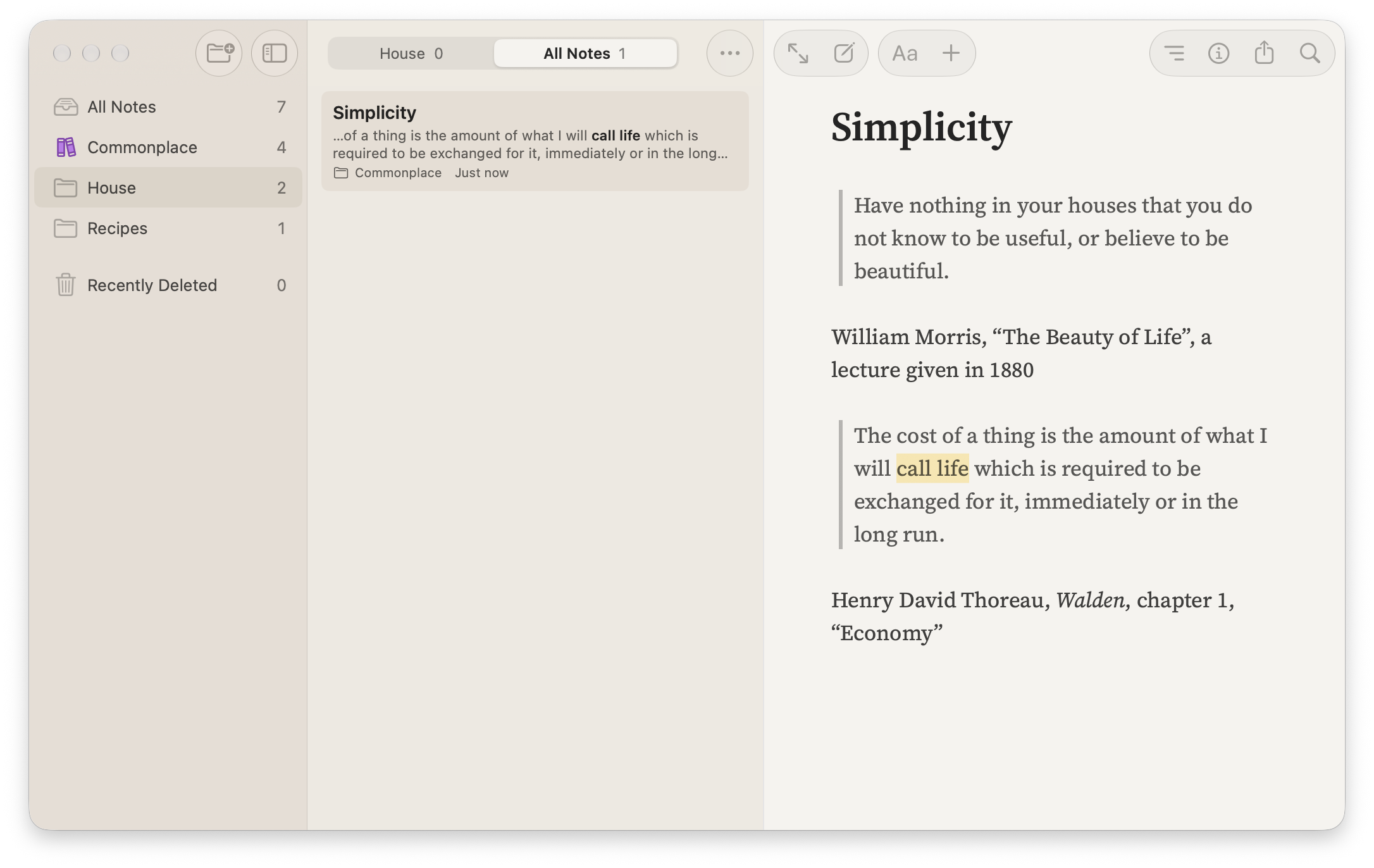
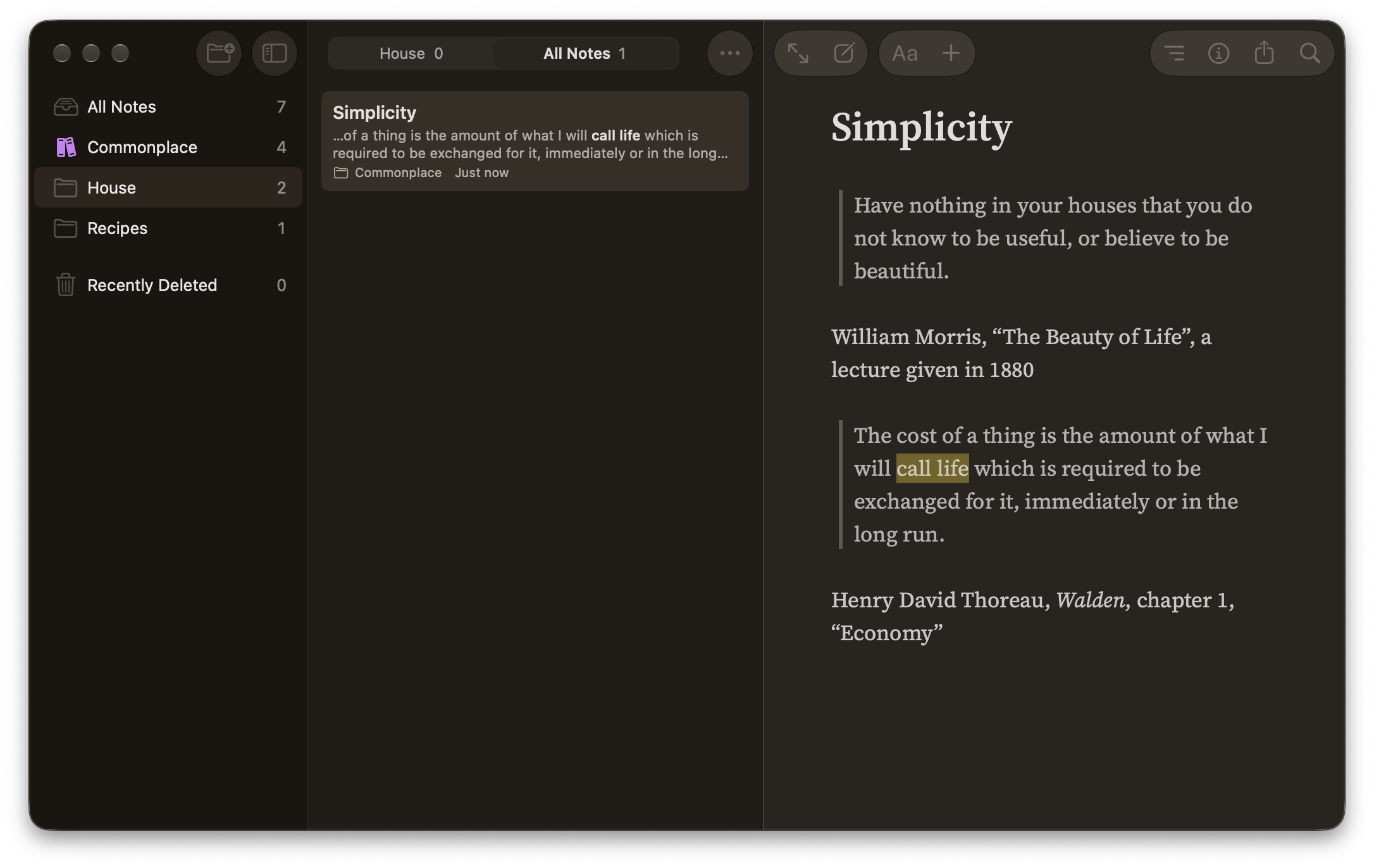
The one result is Simplicity. Neither word is in a note’s title. Search reads the text of every note, and a note has to contain every word you type. Open Simplicity and you’ll see “call” and “life” highlighted in Thoreau’s sentence, with the source on the line below.
Start with one passage
Pick a line you’ve been meaning to keep. Make a note for its subject, put the passage in as a quote, and write the source under it.