Make a table
A table in Soot looks like a grid, and you type in one cell at a time. You can add and remove rows and columns as you go, and a table wider than the note scrolls sideways.
Insert a table
On the Mac, choose Format ▸ Insert ▸ Table. On iPhone and iPad, tap Insert (+), then Table. The table starts with 2 columns and 3 rows, the first of them a header row, with the cursor in the first header cell. You can’t put a table inside a list or a quote.
Type in the cells
- To move to the next cell, press Tab, or on iPhone tap Next Cell in the bar above the keyboard. With a keyboard, Shift-Tab goes back a cell.
- Return moves to the cell below. In the last row, Return adds a new row.
- A cell holds one line: Return never starts a new line inside a cell.
- To leave the table, press Esc on the Mac or on an iPad with a keyboard. On the Mac, the down arrow from the last row leaves it too. On iPhone and iPad, tap beside the table or in the note’s text.
Add or remove rows and columns
- On the Mac, click the Table button beside the table’s first row, choose Format ▸ Table, or right-click in the table.
- On iPhone and iPad, tap Table in the bar above the keyboard while you’re in a cell.
Then choose from:
- Row: add a row above or below, or delete the current row.
- Column: add a column to the left or right, or delete the current column.
- Align: line up the current column’s text Left, Center or Right.
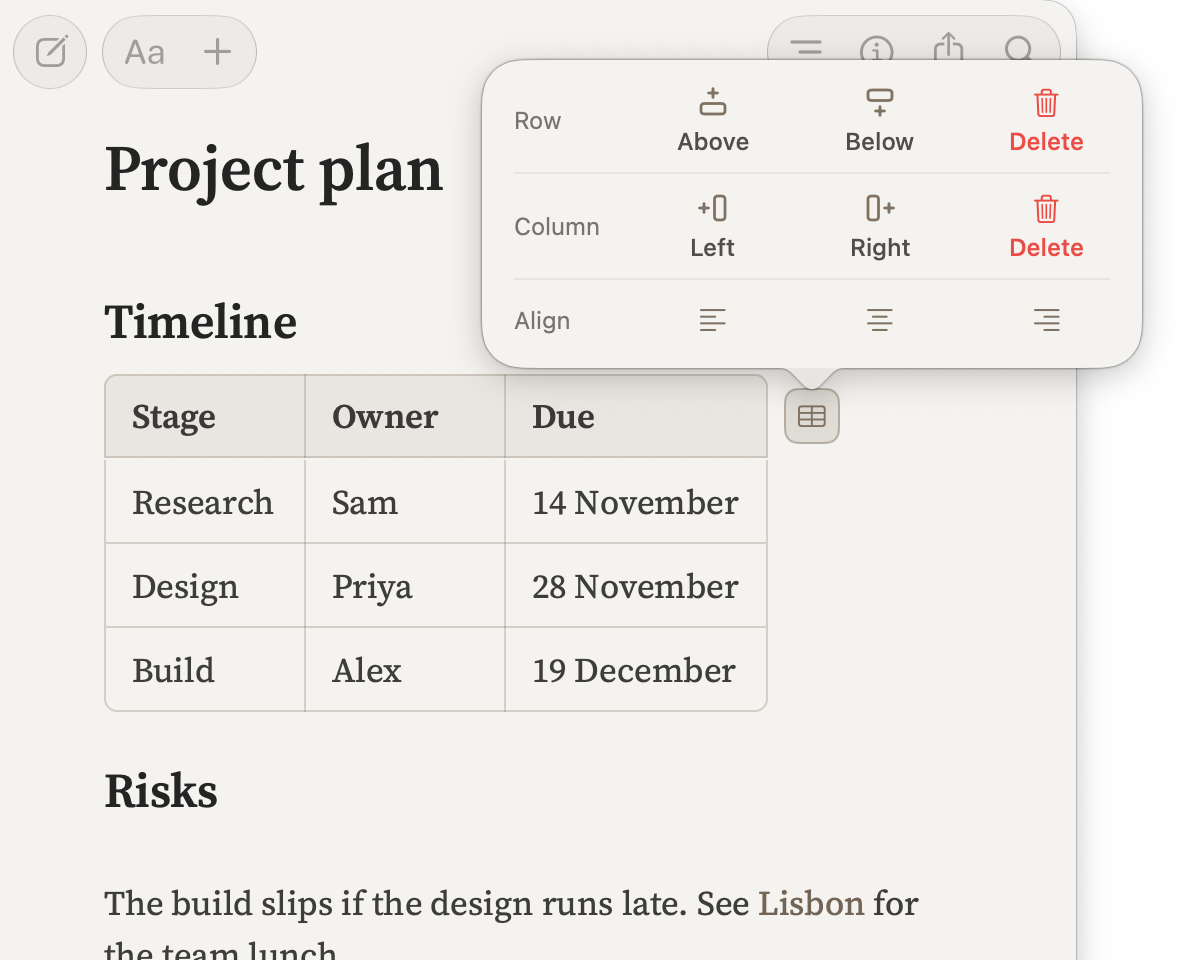
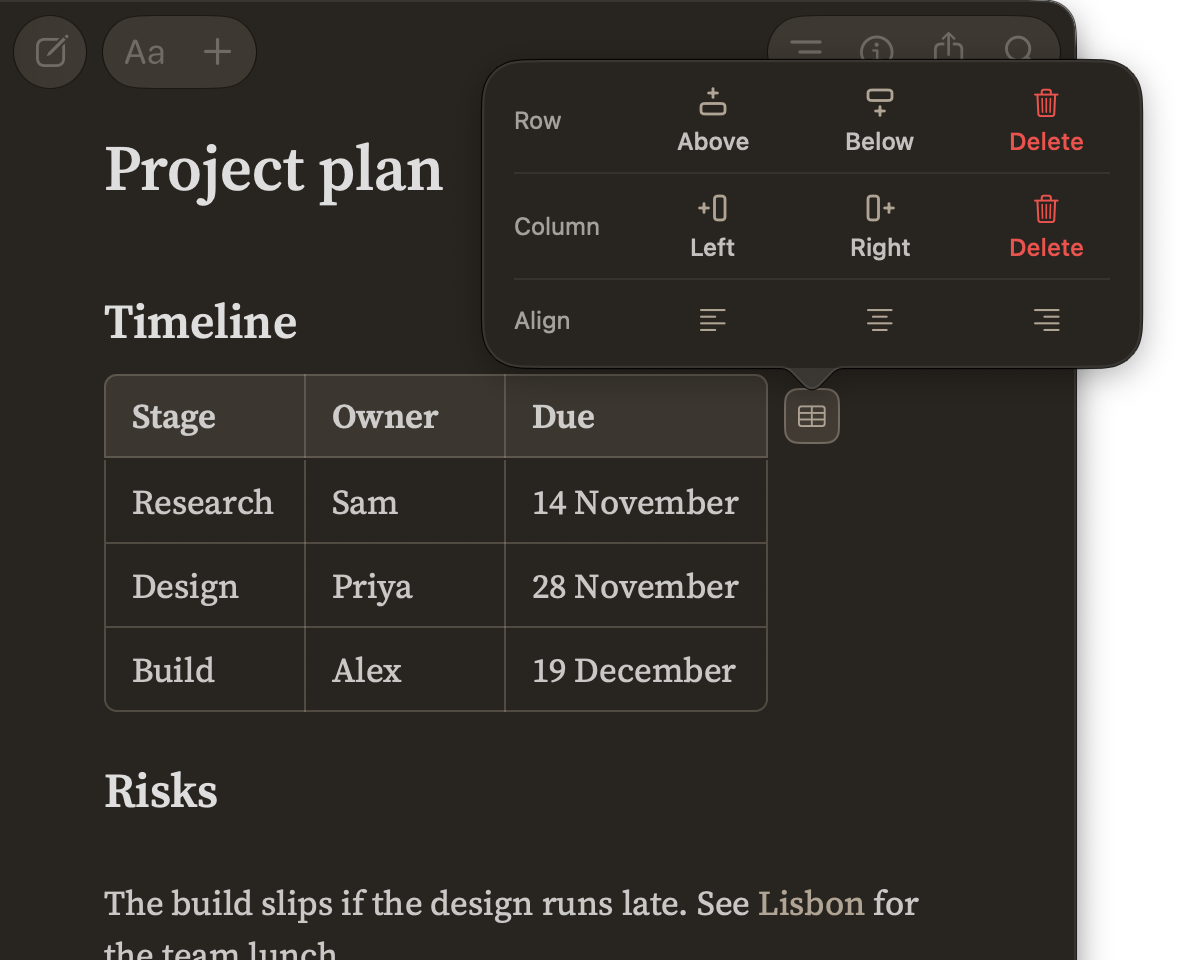
Click or tap a choice to apply it. To see a change before you make it, point at the choice on the Mac. On iPhone and iPad, touch and hold the choice, then let go to apply it or slide off to cancel.
You can’t delete the header row, or a table’s only column.
Paste a table
Cells copied from Numbers, Excel or another spreadsheet paste as a table. Tables copied from Apple Notes or Pages come across too.
Edit the Markdown
To change a table’s Markdown directly, set Show Markdown to While editing or Always show Markdown. The table then shows as its Markdown while you edit it. See Choose how Markdown appears.
Having trouble? Email hello at sootsync dot com and I’ll help.