Import from Apple Notes
You can bring your Apple Notes into Soot, including their pictures and files. Apple Notes exports one folder at a time, so you’ll need to repeat these steps for each folder you want to bring over.
On iPhone or iPad? You’ll need a Mac to import your notes. With Soot Pro, they’ll then sync to your iPhone and iPad.
Nothing in Soot is overwritten. If a note you’re importing has the same name as one already in the folder you import into, it’s left out and listed under Import details. To bring it in anyway, change the title of the note already in Soot, then import that export again with only that note ticked.
Step by step
-
In Apple Notes, open the folder you want to export and select the notes you want to bring over. To select them all, click a note in the list and press ⌘A.
-
Choose File ▸ Export To ▸ Markdown and save the export somewhere you’ll find it, such as your Desktop. On macOS 26, it’s File ▸ Export as ▸ Markdown.
-
To keep these notes together in Soot, make a folder for them: choose File ▸ New Folder… and give it the same name as the folder in Apple Notes.
-
Choose File ▸ Import Notes…
-
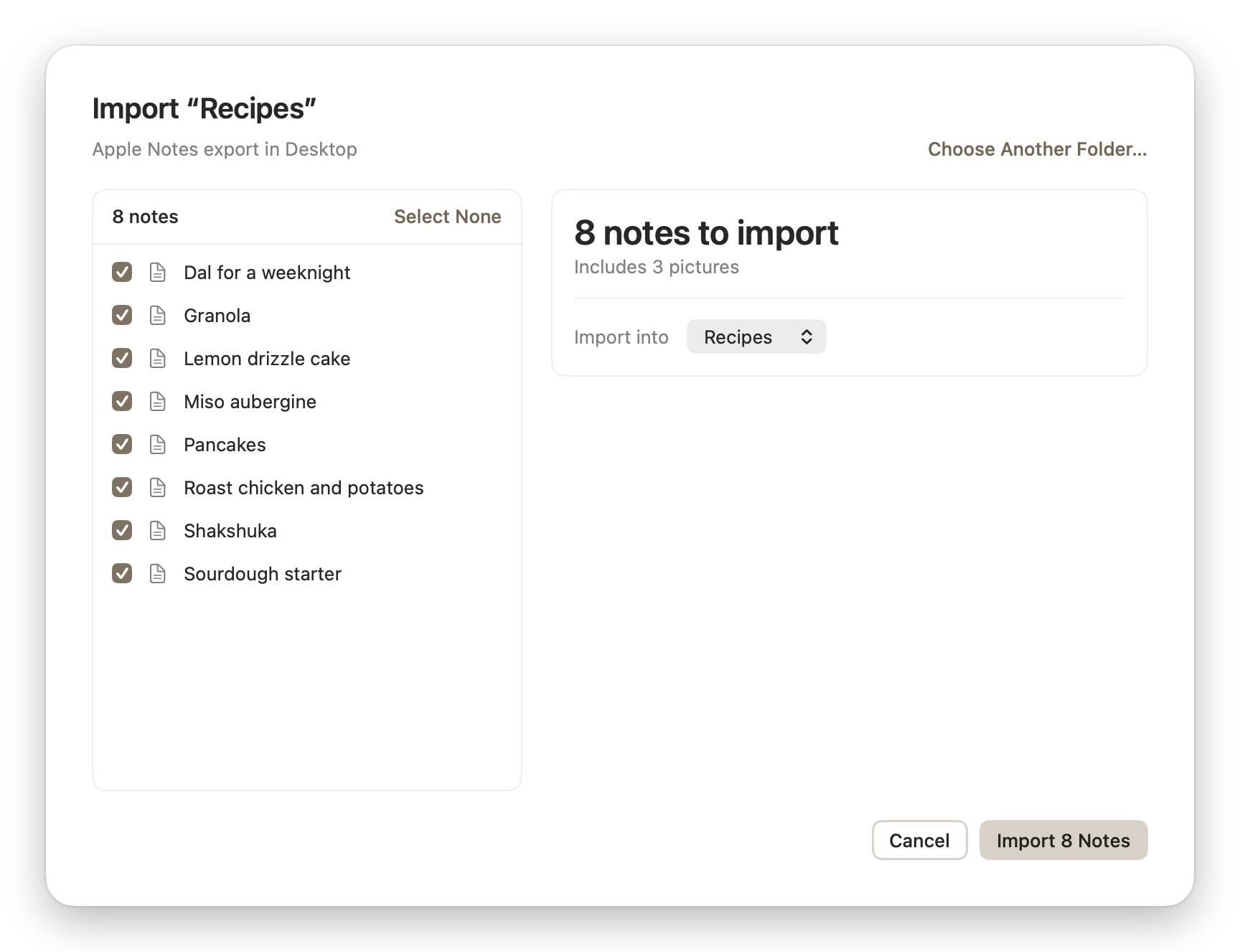
Drag the folder you exported from Apple Notes into the Import Notes window, or click Choose Folder… and pick it.
-
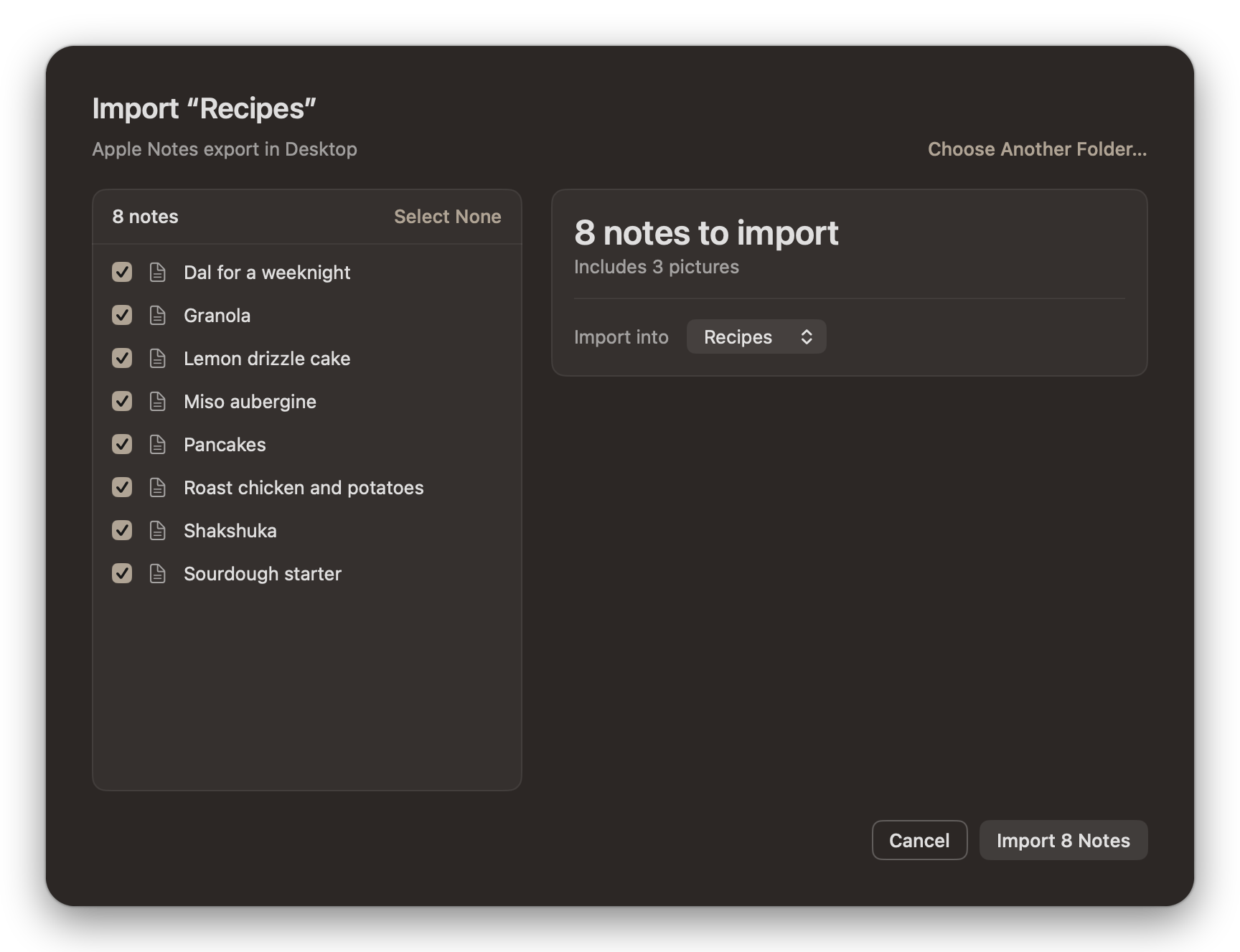
Untick any notes you don’t want. Under Import into, choose the folder you made in step 3. If you leave it on Library, the notes go at the top level of your library.
-
Click Import. The button shows how many notes you’ve ticked.
-
Check Import details. It lists anything that didn’t come across cleanly, and any note left out because one with the same name was already there.
Repeat these steps for each folder in Apple Notes you want to bring over.
What comes across
- Each export’s notes go into the folder you chose under Import into, so a folder made for each Apple Notes folder keeps your notes organised as they were.
- Each note keeps its title. In Soot, as in Apple Notes, a note’s first line is its title, and its file is named after it too.
- Pictures, PDFs and other files come with their notes. A PDF shows its first page in the note, as it did in Apple Notes.
- Your line breaks stay as they were in Apple Notes, without the extra ones an export adds.
Having trouble? Email hello at sootsync dot com and I’ll help.