Use Claude and other assistants
An assistant such as Claude or ChatGPT can find, summarise and edit your notes, because each note is a Markdown file in your library folder. You export Soot’s skill, a file that tells the assistant where your library is and how Soot keeps notes, links and attachments, and install it in the assistant.
On iPhone or iPad? Set this up on your Mac. With Soot Pro, the assistant’s changes sync to your iPhone and iPad.
Giving an assistant access lets it read your notes. What it does with them depends on the assistant and its settings. Soot Pro’s encryption doesn’t cover what you share with an assistant.
Step by step
For Claude, use the Claude app on your Mac, which can reach your library once you turn on its Filesystem extension. Claude on the web or on a phone can’t reach files on your Mac.
-
Choose Soot ▸ Settings… and click Assistants.
-
Under Soot skill, click Export…
-
Save Soot skill.md somewhere you’ll find it. Soot suggests your Downloads folder.
-
Drag Soot skill.md into Claude, ChatGPT or another assistant.
-
Ask the assistant to install the skill.
-
Follow the assistant’s steps to give it lasting access to your library folder.
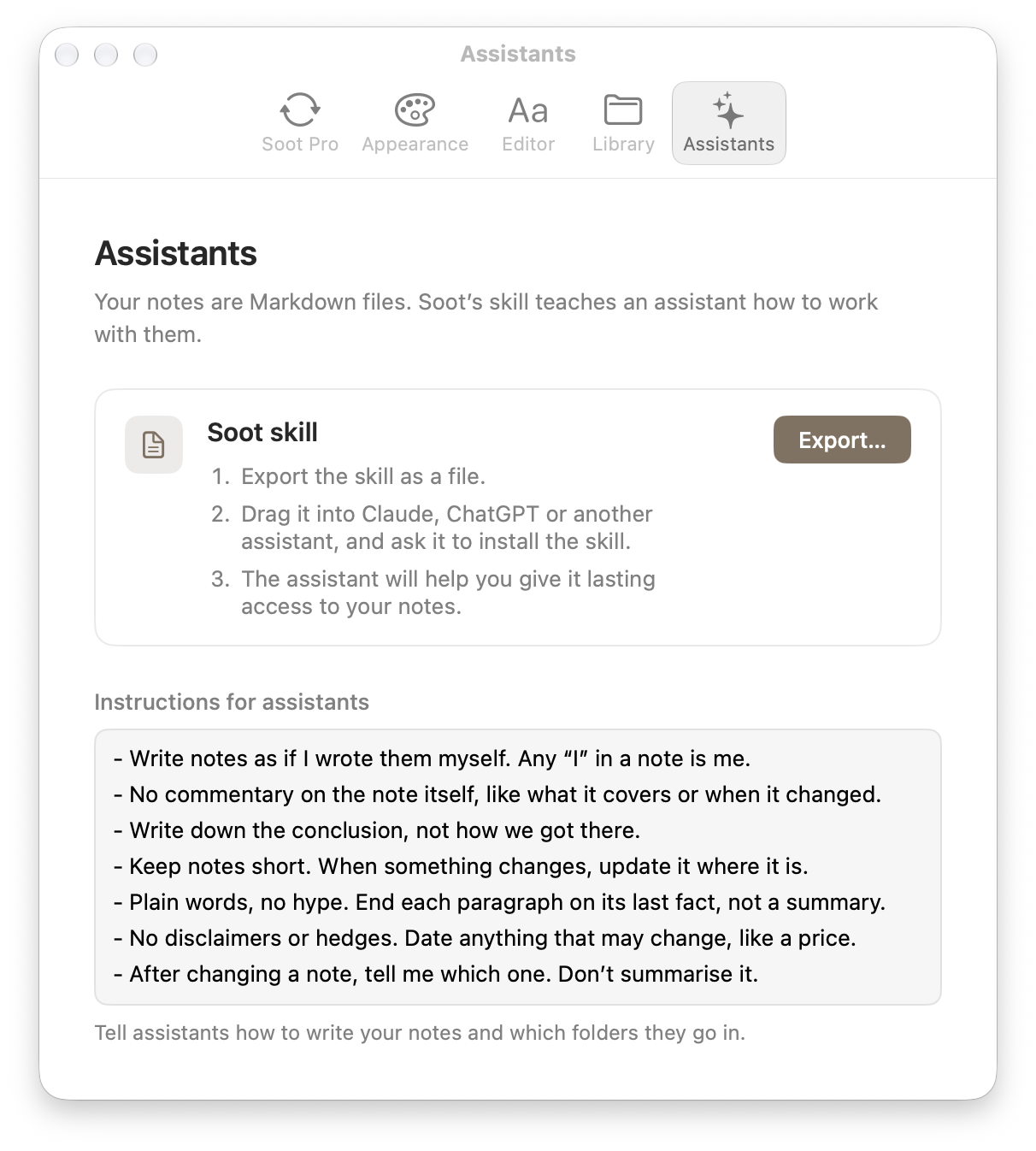
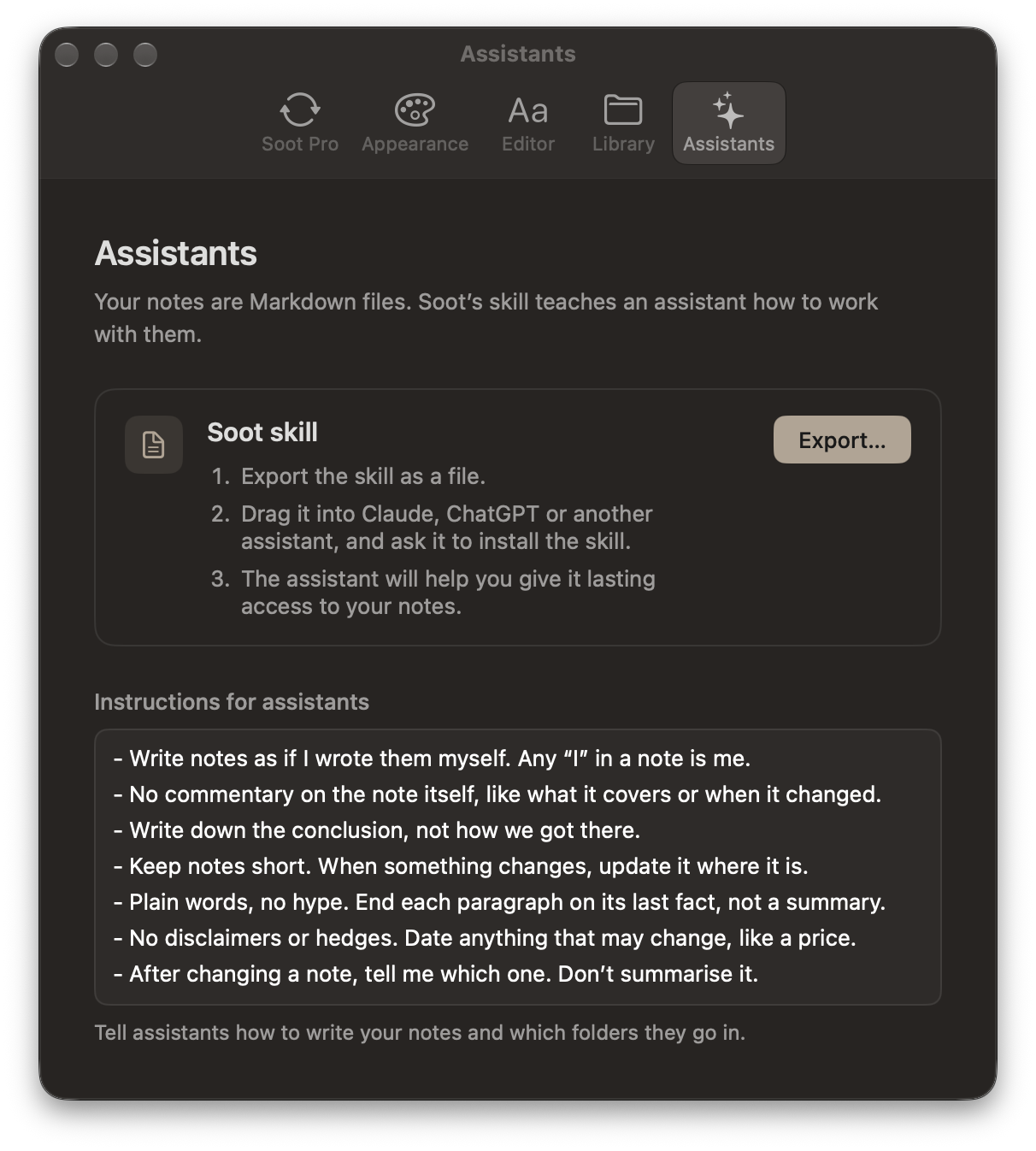
The skill has the steps for Claude, ChatGPT and Codex, so the assistant can walk you through installing it and giving it access.
To try it, ask for something like:
- “Read my kitchen renovation notes and tell me what’s still to decide.”
- “Tidy up my Lisbon note: group the restaurants by area and put the bookings first.”
- “Suggest three dinners for this week from my recipes.”
Tell assistants how to write your notes
In the same Assistants settings, under Instructions for assistants, write how notes should read and which folders they go in. Soot saves as you type.
The skill tells an assistant to read these instructions before it writes anything. They’re kept in your library, so with Soot Pro they sync to your other devices too. Restore defaults replaces what you’ve written with Soot’s own instructions.
When an assistant changes your notes
- A note the assistant edits updates in Soot, even while it’s open.
- If you’re typing in the same note, Soot merges your changes with the assistant’s. If it can’t, your version stays on screen, and the assistant’s is saved beside it as a conflict copy.
- Soot updates links when you rename or move a note in Soot, but not when an assistant moves the file. The skill tells the assistant to update them itself.
- The skill tells the assistant to put a note it deletes in Recently Deleted, where it stays for 30 days.
The skill holds your library’s location, so if you move your library, export the skill again and install the new one.
Having trouble? Email hello at sootsync dot com and I’ll help.